Dropbox reading
Connect one or more accounts, sync Markdown metadata, and keep source paths visible.
The product
MD HD reads from Dropbox without editing source files. Files selected through Apple Files become private copies in your iPhone library.
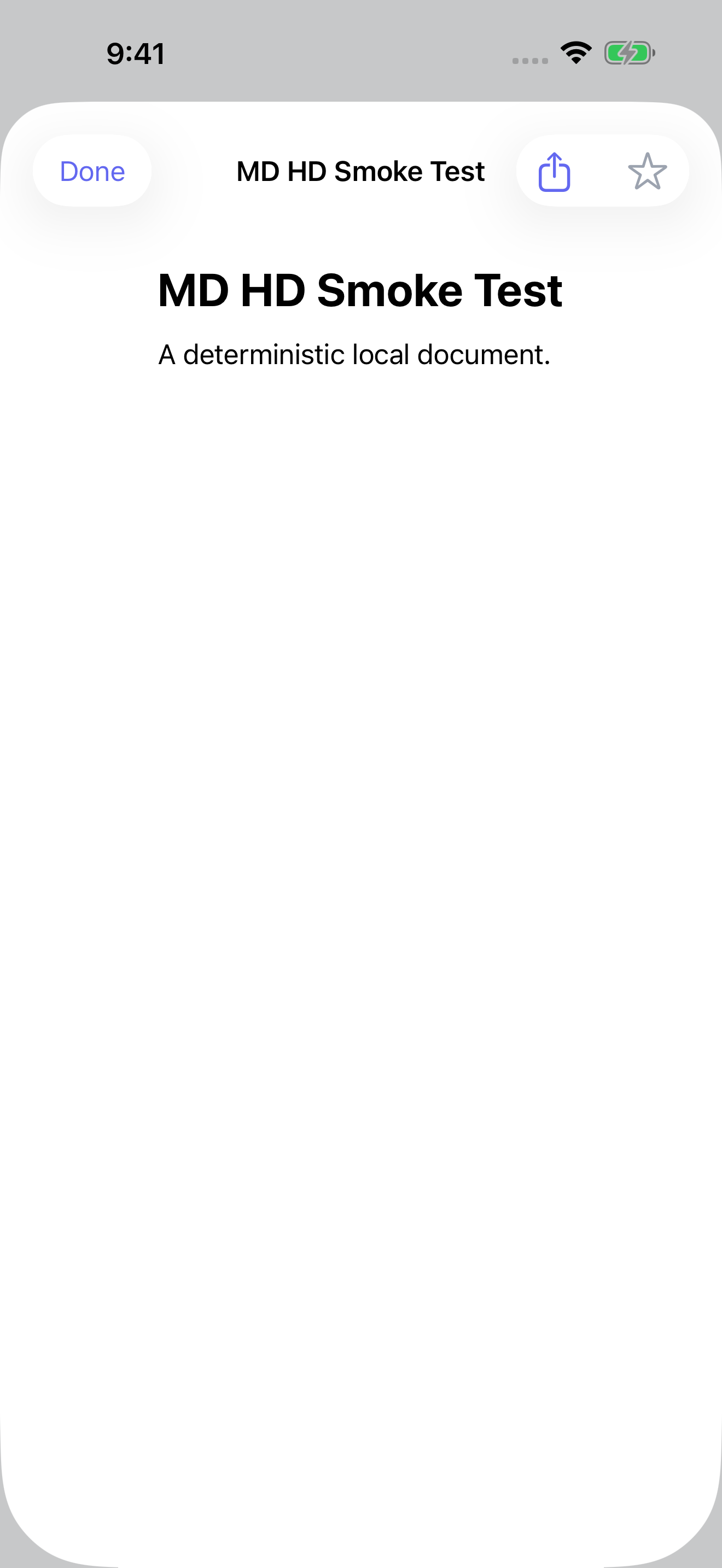
The complete reading loop
Connect one or more accounts, sync Markdown metadata, and keep source paths visible.
Choose .md and .markdown files through Apple Files. MD HD stores private library copies and never treats that selection as a connected cloud account.
Search, favorite, and distinguish duplicate names by path. Eligible plans can organize connected Dropbox documents into app folders; Imported Files cannot use these folders in 1.0.
Read with mobile typography and export polished PDFs on Super Premium.
No roadmap theater
Dropbox, imported files, search, favorites, app folders for connected Dropbox documents, light and dark appearance, and PDF export.
Google Drive, OneDrive, iCloud, Android production, ads, editing, and provider-directory navigation.
Dropbox access is read-only. Imported copies stay in the app container. Account deletion is available in-app.
Built for actual files
Use Dropbox for managed cloud access or choose individual files through Apple Files. Imported files become private MD HD library copies; Dropbox documents retain their provider paths.
Walk through the system →With your approval, we use optional Google Analytics cookies to understand public page visits and improve MD HD. Nothing is sent to Google Analytics until you choose Allow analytics. Advertising stays off. This does not sign you up for emails or the beta. Privacy details.